TRS - Tool Room System
One system for the whole tool room.
Stock, setups, gauges and machine time, connected on the shop floor. Start with one module, grow into the rest.
Modules
Start with one. Grow into the rest.
Four bases, each a system on its own. Add what earns its place. No migration when the shop grows, no paying for what you do not use.
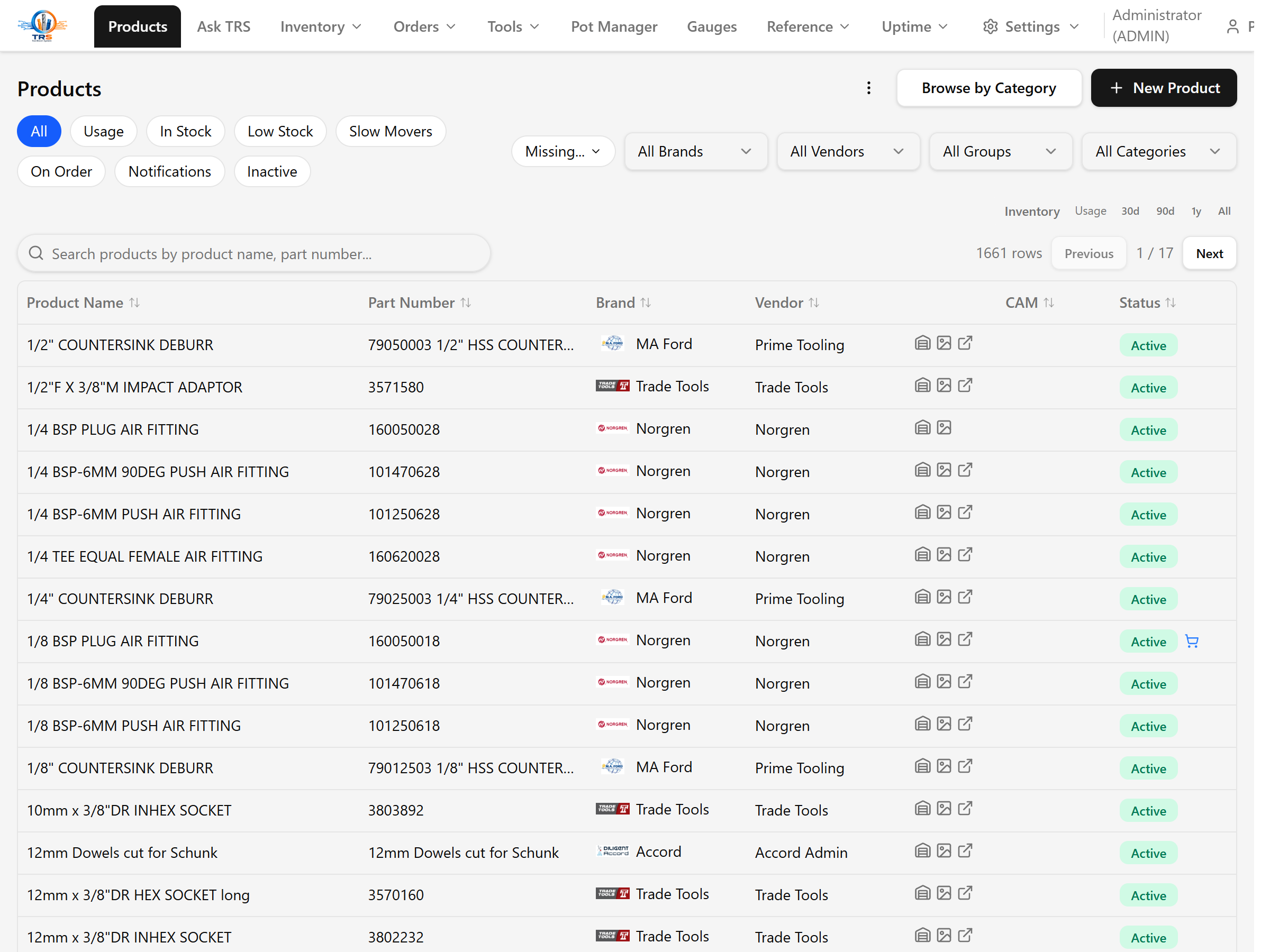
Inventory
Stock by location, take/return, reorder levels and purchasing.
Learn moreGauges
Gauge calibration tracking and gauge checkout/return.
Learn moreUptime
Machine run-time monitoring, utilisation and cost-per-hour.
Learn moreCAM
Tool assemblies and CAM library round-trip (GibbsCAM and others).
Learn moreAdd-ons
Mobile
Phone access for operators (scan, take/return, lookups).
Learn moreTerminal
Locked-down shop-floor kiosk for take/return and lookups.
Learn moreNoticeboards
Shop-floor screens showing jobs, stock and announcements.
Learn moreAsk TRS
Natural-language assistant over your shop data.
Learn morePot Manager
Track which tools are loaded in which machine pots/magazines.
Learn moreWishlist
Operator requests and continuous-improvement ideas board.
Learn moreMaintenance
Per-machine checklists, repair log and manual/doc search.
Learn moreFixtures
Track serialised job fixtures and jaws with checkout/return.
Learn moreFile Management
Index and version CAM/NC files with a checkout/checkin lifecycle.
Learn moreWhy one system
Five systems that don't talk.
Or one that does.
A tool taken on the floor should not be re-typed into four places. In TRS it is one move, and every record updates at once.
Take a tool
One scan on the floor
Stock updates
Balance drops, reorder knows
Job and spend
Posted to the work order
Ask TRS
Answers from real data
Enter it once. Stop re-keying, stop searching, stop buying what you already own.
See where TRS fits your shop.
Answer a few questions about your floor and the demo shows which modules fit, and how to get from where you are to where you want to be.